


It’s still a beta feature today but maybe it won’t be by the time you read this…
Anthropic has added Linux support for its Claude Desktop app. This includes chat, Claude Code, and Claude Cowork. It promises the same experience as macOS and Windows users, including:
- Parallel sessions
- Visual diff review
- Integrated terminal and editor
- Live app preview
- Etc.
These are the current requirements (based off of what they tested so far)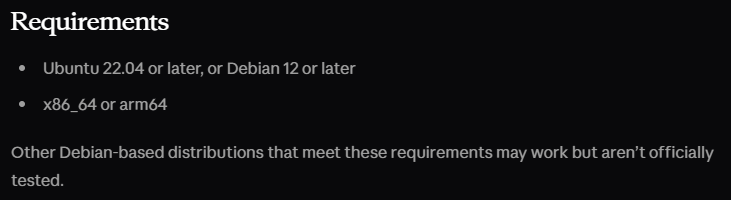
There are, of course, some things that aren’t included yet (again, maybe they will be by the time you read this)
- Computer use - no app and screen control
- Dictation
- They recommend using voice dictation in the CLI
- Quick Entry global hotkey
- Fedora support
- Red Hat support
- Only Debian-based distros for now
If you are a Linux user, chances are you are like me and prefer the terminal anyway so this may not matter…
.png?width=600&height=496&name=Next-Level%20AI%20Workshops%20(2000%20x%201000%20px).png)
Comments