
<div class="statcounter"><a title="Web Analytics" href="https://statcounter.com/" target="_blank"><img class="statcounter" src="https://c.statcounter.com/12795394/0/d64e9537/1/" alt="Web Analytics" referrerPolicy="no-referrer-when-downgrade">

AI Quick Tips 409: Usage indicator in ChatGPT

AI Quick Tips

If you use ChatGPT and you’re wondering what that weird little icon is on the bottom left -

ChatGPT usage indicator icon located at the bottom left of the interface.  looks like this

It is a usage indicator.

If you hover over the top section, it will tell you how much of your 5-hour usage you have remaining
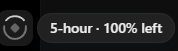
Usage indicator hover popup displaying 100 percent left for the 5-hour limit.


And if you hover over the bottom section, it will tell you how much of your weekly usage you have remaining
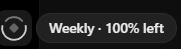
Usage indicator hover popup displaying 100 percent left for the weekly limit.

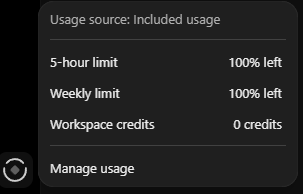
Click on it to see the usage menu

ChatGPT usage menu popup showing limits for 5-hour, weekly, and workspace credits.

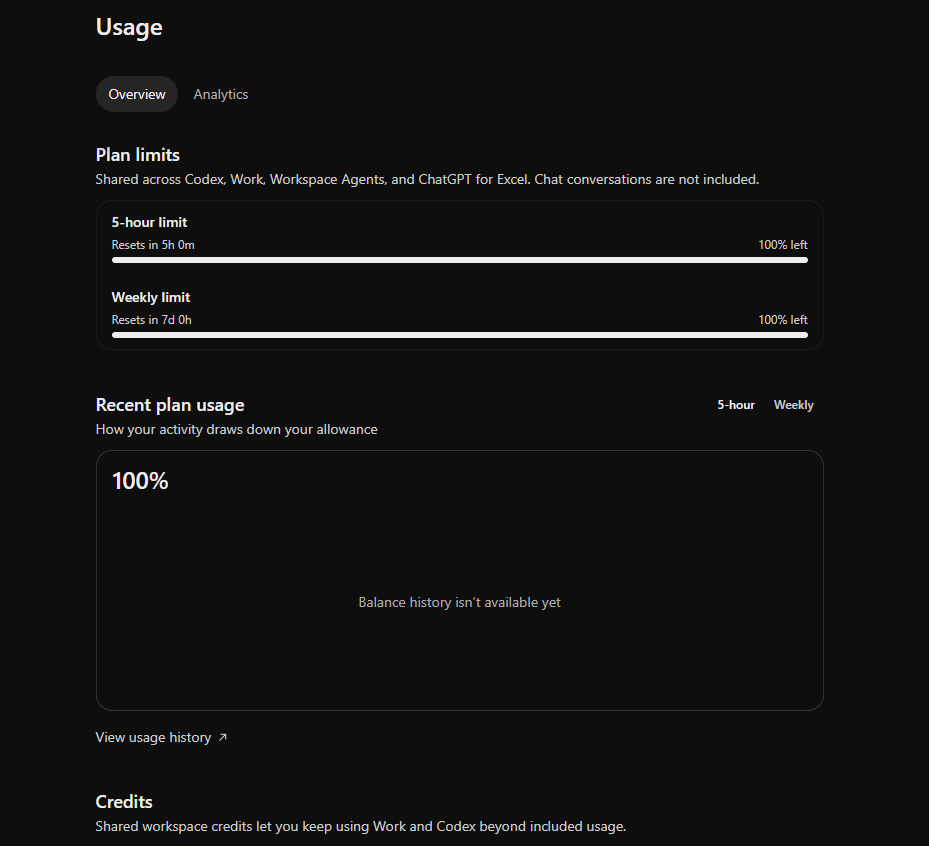
The manage usage link at the bottom will take you to the “old” usage menu Detailed ChatGPT usage settings dashboard showing plan limits and balance history.


Here's Our video:


ChatGPT Kickstarter Page Icon

Feeling AI Whiplash?

OpenAI. Google. Anthropic. Meta. Instead of trying to keep up with every announcement, learn the fundamentals that make every AI tool more useful.

Comments

Related posts