


Google changes NotebookLM every couple of days. Every now and then, one of those changes rubs people the wrong way. I think that getting rid of timelines is one of those changes.
Ever since they removed timelines from the Studio panel, people have been pretty vocal about how much they used that artifact and that they don’t like the change.
The good news is that you can still make timelines. It just takes a little longer.
I’ll show you 2 ways that you can make them. I’ll assume that you are in NotebookLM with at least one source selected.
If you want a timeline that is all text, go to the Studio panel on the right and select Reports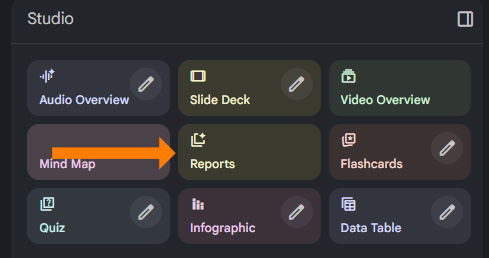
Now choose Create Your Own on the top left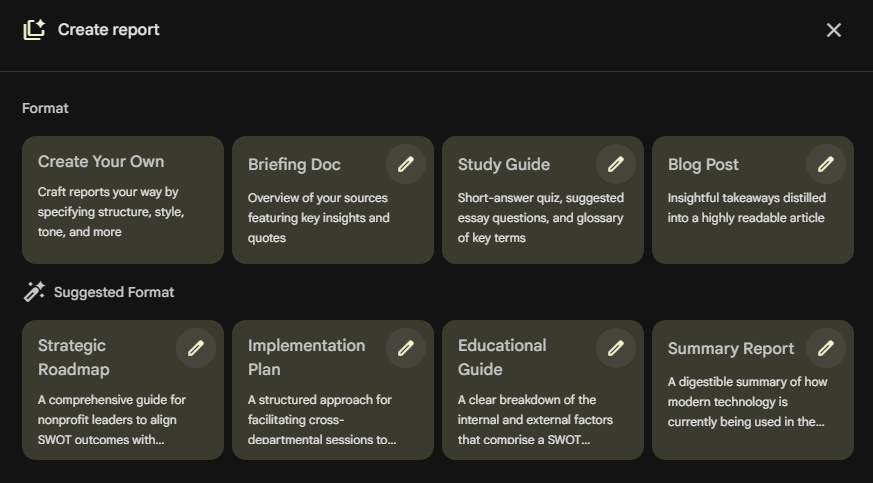
In the Describe section, give it instructions for the timeline that you want it to create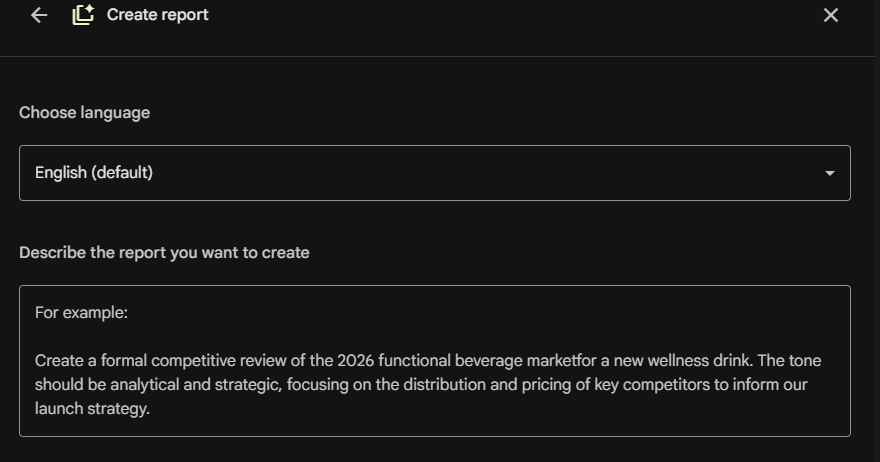
The other option is if you want a visual timeline. You can create an infographic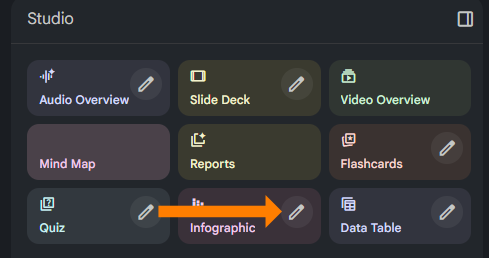
Click on the pencil to get the customized window (or if your UI has updated, it may now look like an arrow > instead of a pencil). Choose your visual style and describe the type of timeline that you want.
Make sure that in either case that you specify “timeline” somewhere in the instructions since it isn’t a default anymore.
prefer video? Watch here ↓

Turn NotebookLM Into Something Useful
Go from “this seems cool” to actually using it for research, content, and decisions.
Comments