


The last time they gave this tool a makeover (when it was still called NotebookLM) was about 9 months ago and they introduced the 3-panel design. Compared to that, this makeover is pretty mild.
Most of the changes are cosmetic, keeping the functionality that was there before.
Here are some of the changes -
- Slightly different design of the homescreen including changing the New notebook button
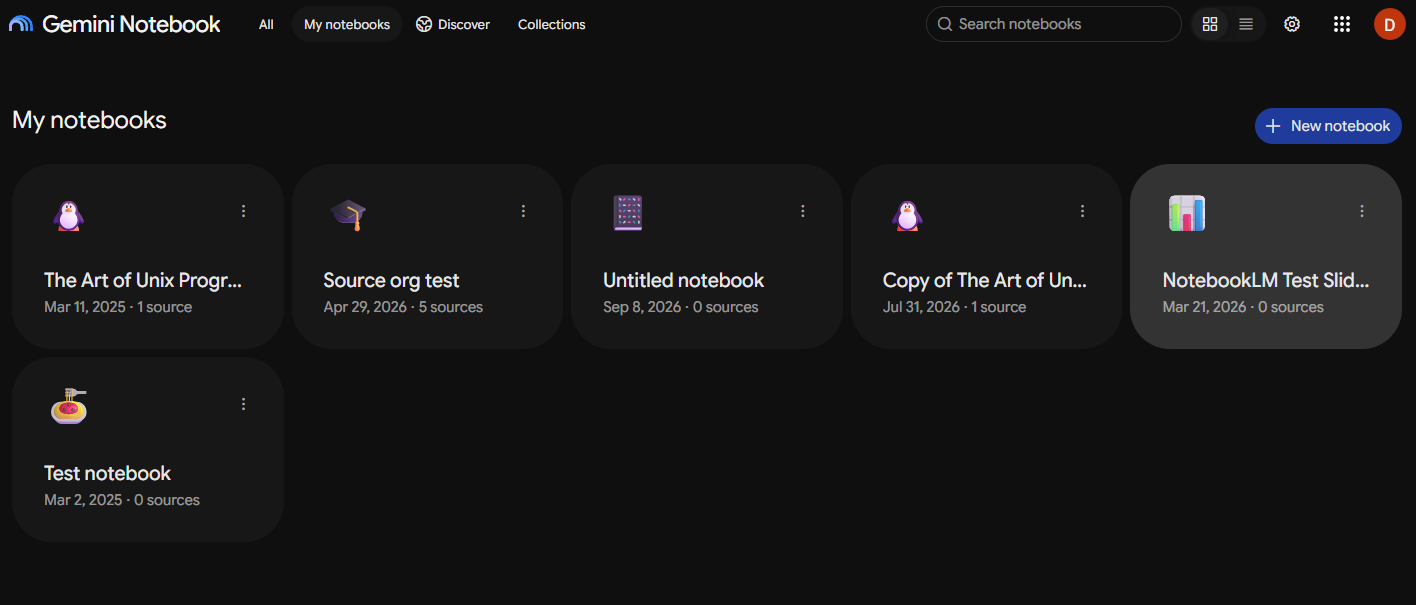
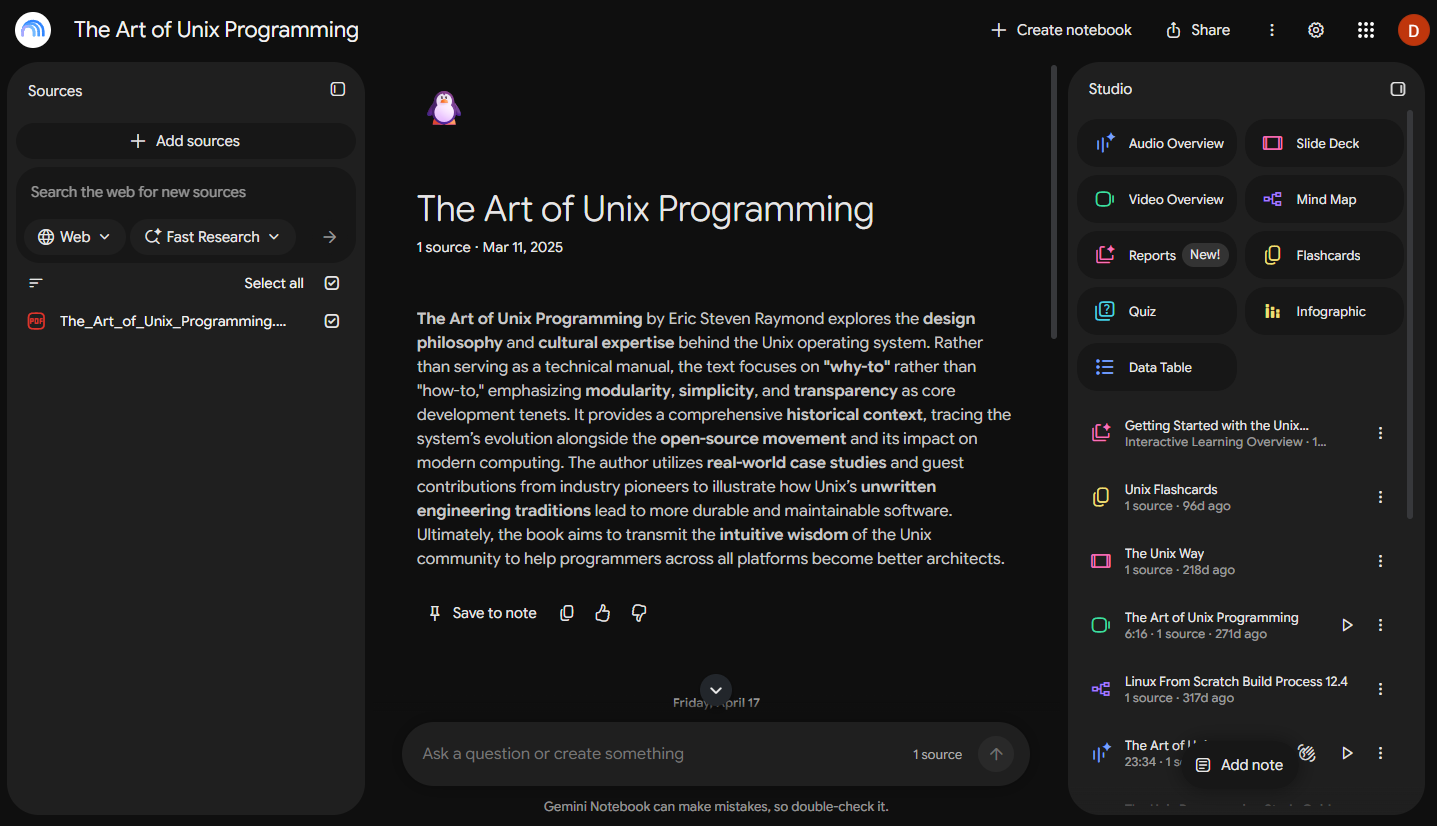
- Different styling within notebooks (i.e. panels have more rounded edges, colors are different, studio menu has several changes, etc.)
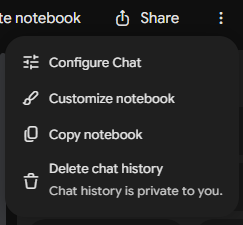
- Multiple menus have been collapsed into the More options menu (three vertical dots in the upper right)
There are other small, subtle changes in there that you’ll discover as you use it more.
As far as I can see, no functionality has been removed or added.
Watch it In Action:

Master Gemini Notebook
Learn the workflows that make Gemini Notebook one of the most useful AI tools you'll use. Join our next live cohort.
Comments