<div class="statcounter"><a title="Web Analytics" href="https://statcounter.com/" target="_blank"><img class="statcounter" src="https://c.statcounter.com/12795394/0/d64e9537/1/" alt="Web Analytics" referrerPolicy="no-referrer-when-downgrade">

BizTech Q&A 110: Interactive? Really?

BizTech Q&A

Answering your questions about business and technology

Question

What is “interactive” about Gemini Notebook’s new reports?
~ Anonymous

Answer

Hi,

From what I can see, not much.

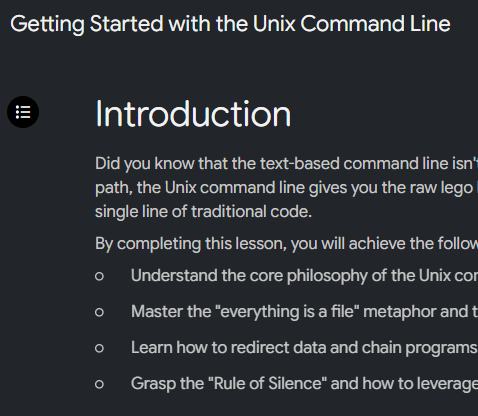
The table of contents on the left is clickable. That lets you collapse the menu and also navigate to the location
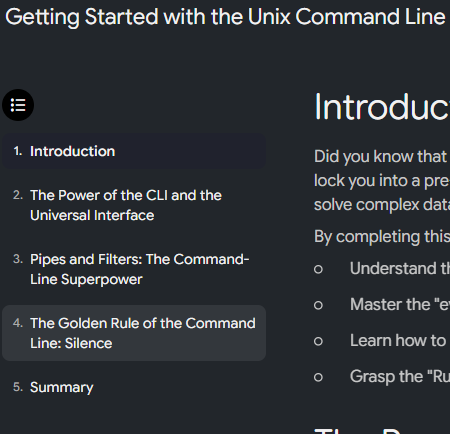
Gemini Notebook report showing an expanded table of contents sidebar on the left side of the interface.

Gemini Notebook report interface with the table of contents sidebar collapsed.


The only other thing that I see is the ability to add recommended artifacts -Recommended infographic prompt card titled 'The Everything is a File Concept' with an Add button.
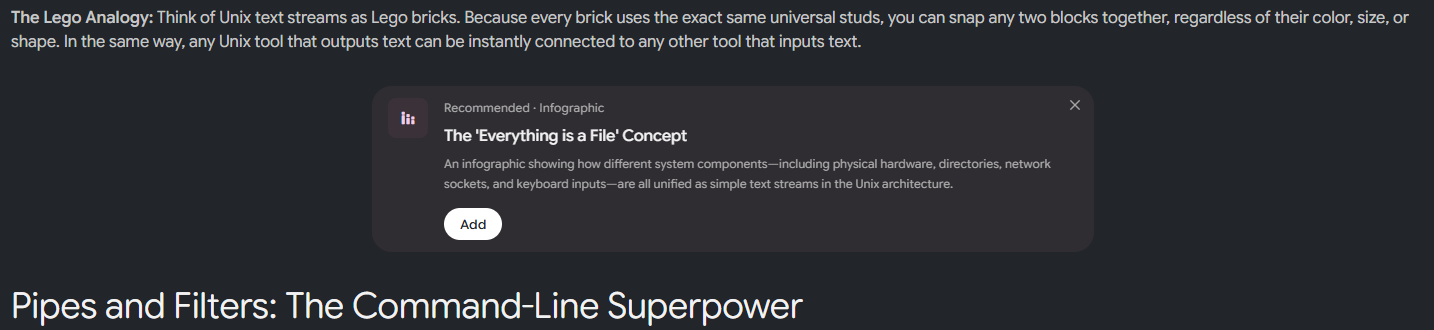
 

If you click on it, the artifact will generate within your report -Status card indicating that an infographic titled 'The Everything is a File Concept' is currently generating.

Infographic diagram showing how Unix unifies hardware, network, and input components into text streams.

I don’t see anything else, unless you count generating different artifact types…

Maybe this is just version 1 and more interactive elements are coming. One can hope.

Hope that helps.

~ Damien


Watch IN ACTION (KIND OF...):

GNB 1200x630

Still Reading? Maybe you want more

Join us for a weekend masterclass in Gemini Notebook (aka NotebookLM)

Comments

Related posts