<div class="statcounter"><a title="Web Analytics" href="https://statcounter.com/" target="_blank"><img class="statcounter" src="https://c.statcounter.com/12795394/0/d64e9537/1/" alt="Web Analytics" referrerPolicy="no-referrer-when-downgrade">

BizTech Q&A 90: Where’s my stuff?

BizTech Q&A

Answering your questions about business and technology

Question

I created a deep research report in Gemini and now I can’t find it.  What can I do to locate my report?

~ Kevin

Answer

Hi Kevin,

The short answer is -

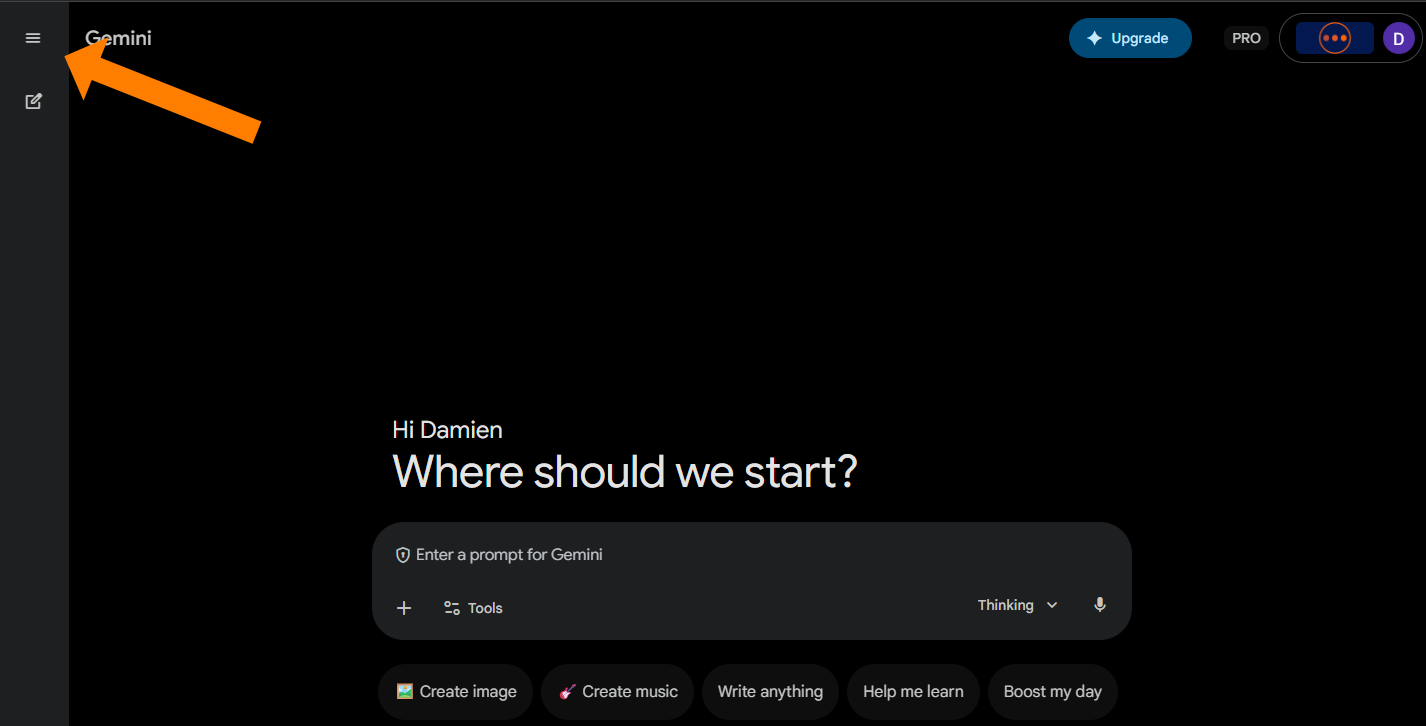
    • Expand the menu on the left
    • Click on “My stuff”
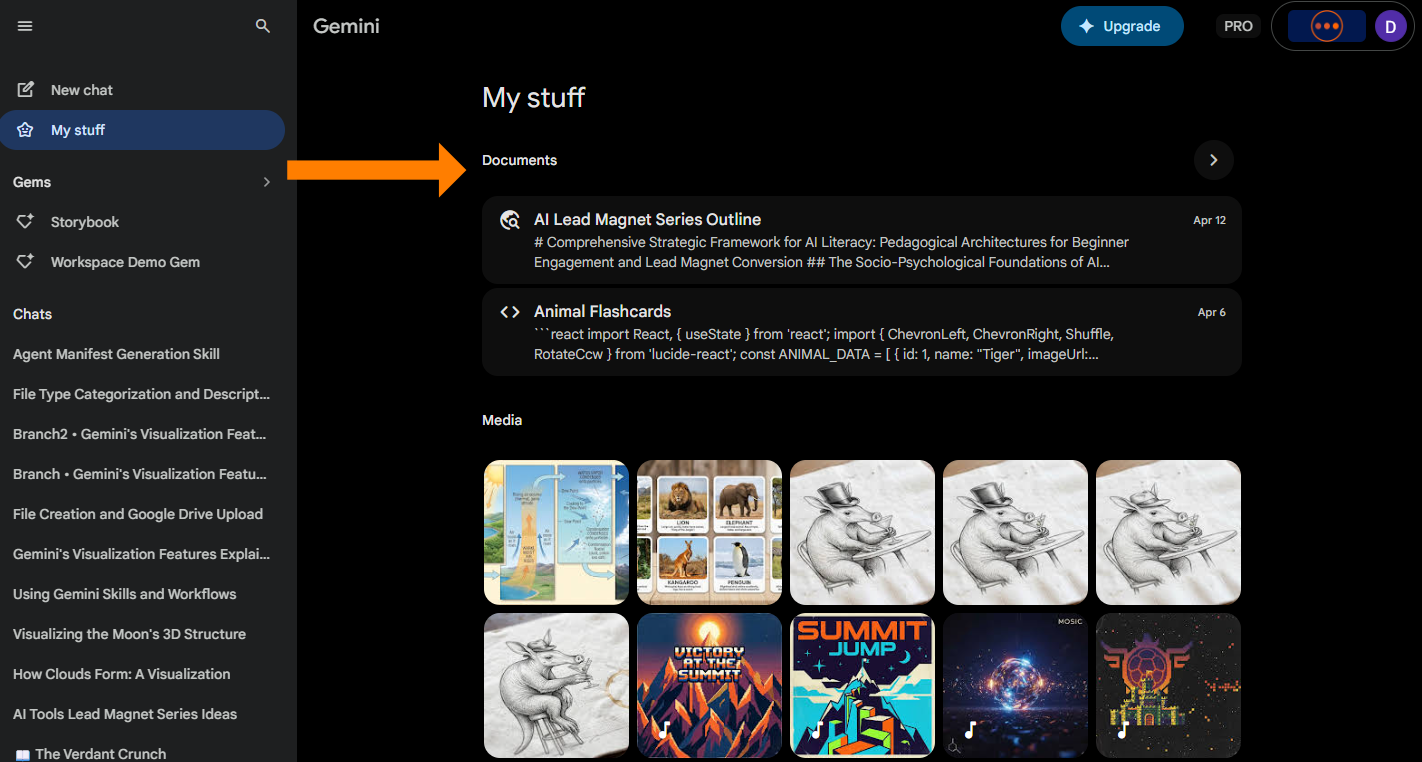
    • Find your report under “Documents”

I’ll add images in case it is helpful

Expand menu by clicking the hamburger menuScreenshot of the Gemini interface with an arrow pointing to the hamburger menu icon to expand the navigation panel.
Click on My StuffScreenshot of the expanded Gemini menu with the "My stuff" option highlighted.


The Documents section should be at the topScreenshot of the "My stuff" section showing research reports listed under the "Documents" heading.
Hope that helps.

~ Damien


Courses Page Icon

Prefer a Clear Path Instead of Guessing?

Explore some of our courses built for real-world AI use.

Comments

Related posts