


A lot of people avoid the Google Analytics platform because it looks too complicated (or actually is too complicated) and they either pay for something that is actually less capable or they just ignore analytics completely.
I won’t say what is “right” or “wrong” but I will point out that Google has added a Gemini layer to Analytics that might make it more inviting for people.
The feature is called Analytics Advisor and it is still in beta. It allows you to ask anything that you want about the platform and have the Advisor guide you through setup.
You’ll (hopefully) see this icon in the upper right corner
Click on it and it will open up the side panel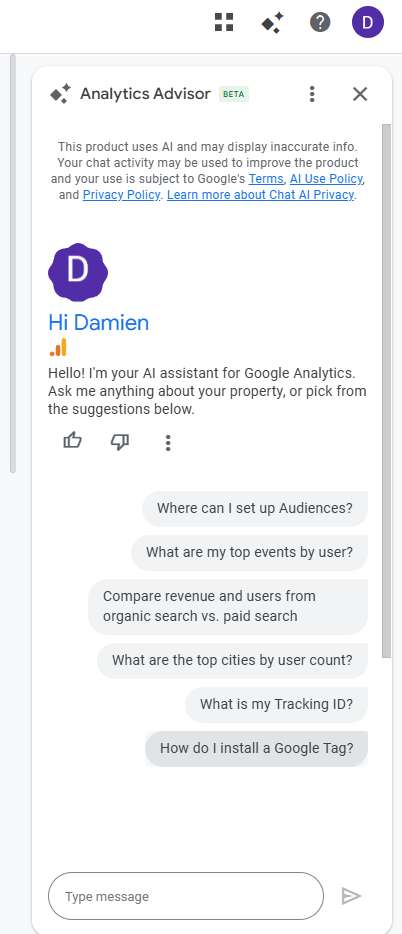
You can pair this new Analytics Advisor with the Task Assistant (a checklist of what to do to get setup) to finally get your analytics setup…

Start Scaling with NotebookLM
The NotebookLM Weekend Masterclass helps you turn everyday AI use into repeatable systems that actually save time—and multiply results.
Comments