


Google Labs has a new tool, called Pomelli, that promises to “easily generate on-brand content for your business”.
There are a few things that I think that you should know upfront -
- Pomelli is part of Google Labs and is still in beta
- This means that they are testing it. It may change drastically or they may decide to get rid of it.
- It is currently available in English only
- It is only available in the United States, Canada, Australia, and New Zealand
- It is only available on the web (no mobile application)
- You must have a web site
If you are still interested, let’s keep going.
Prefer video? Watch here:
There are 3 steps to Pomelli
- Create your “Business DNA”
- Generate social media campaign ideas
- Create/Edit/Download marketing assets

In more detail…
Create your “Business DNA”
You start by providing your website’s URL, and Pomelli will extract elements for your profile. “Business DNA” is their name for a style guide/brand guide/marketing guide. They capture things like
- Logos
- Brand colors
- Fonts
- Tone
- Visual style
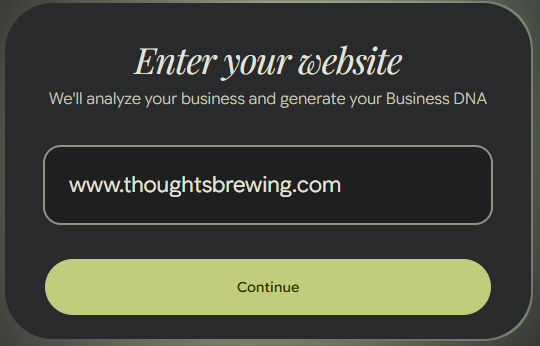
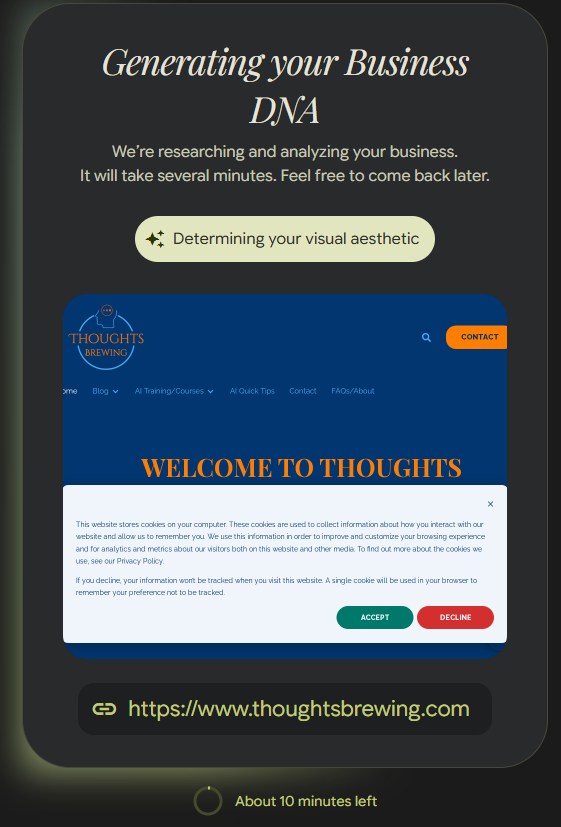

Generate Social Media Campaign Ideas
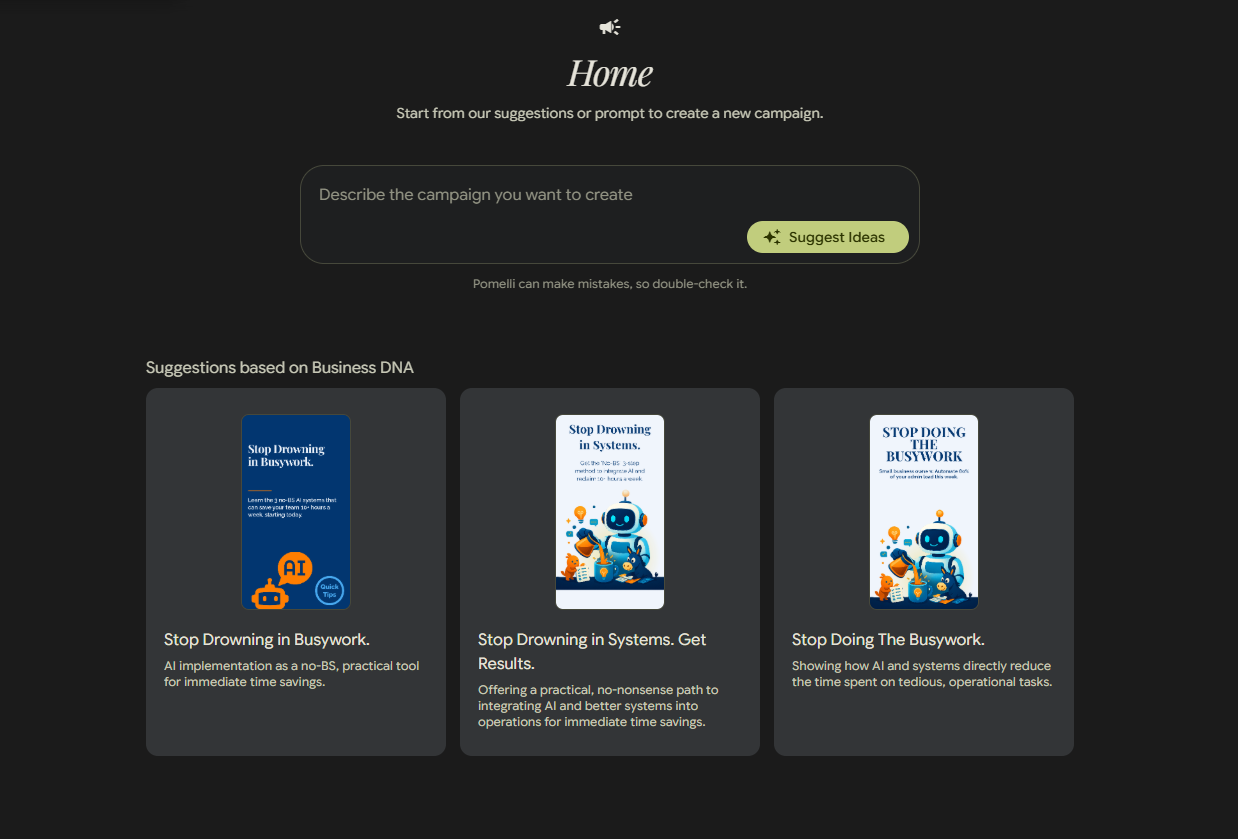
Your “Business DNA” is used to create marketing campaign ideas for your business. You can start with your own ideas or let their AI tools suggest things for you.
Create/Edit/Download Marketing Assets
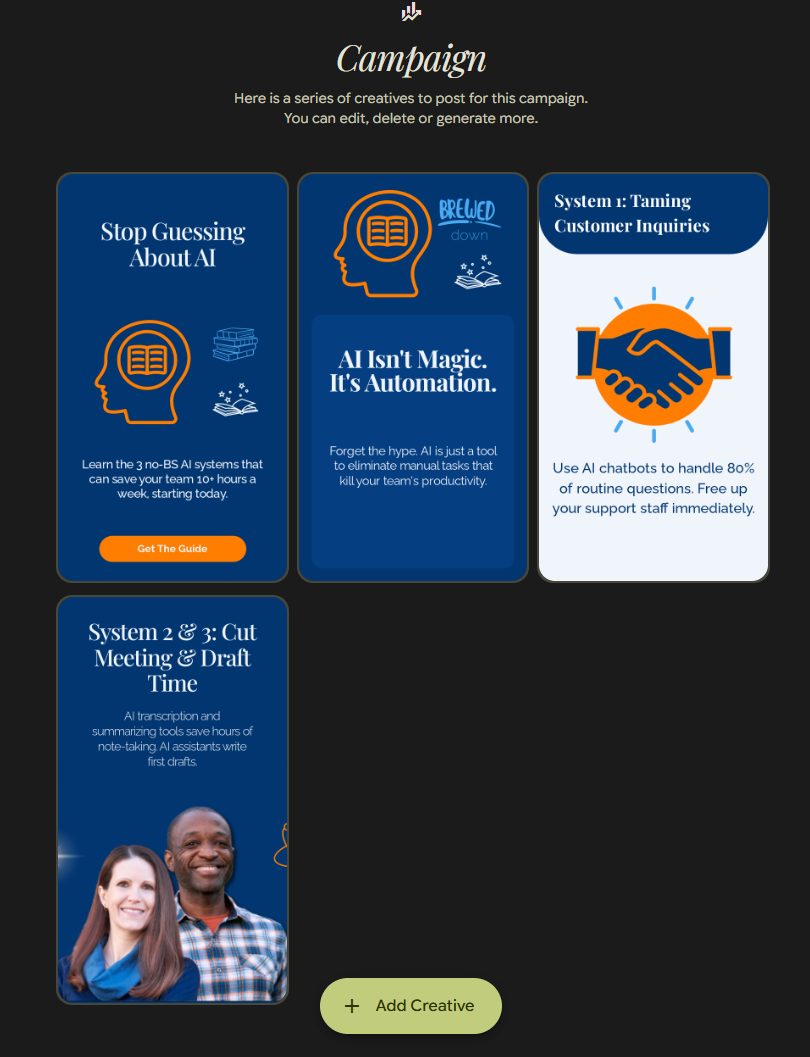
What it creates depends on the prompts and outputs from the previous step. Generally speaking, it creates assets like -
- Ads to use on social media platforms
- Email graphics
- Website promotional images
You can edit the output within the Pomelli application
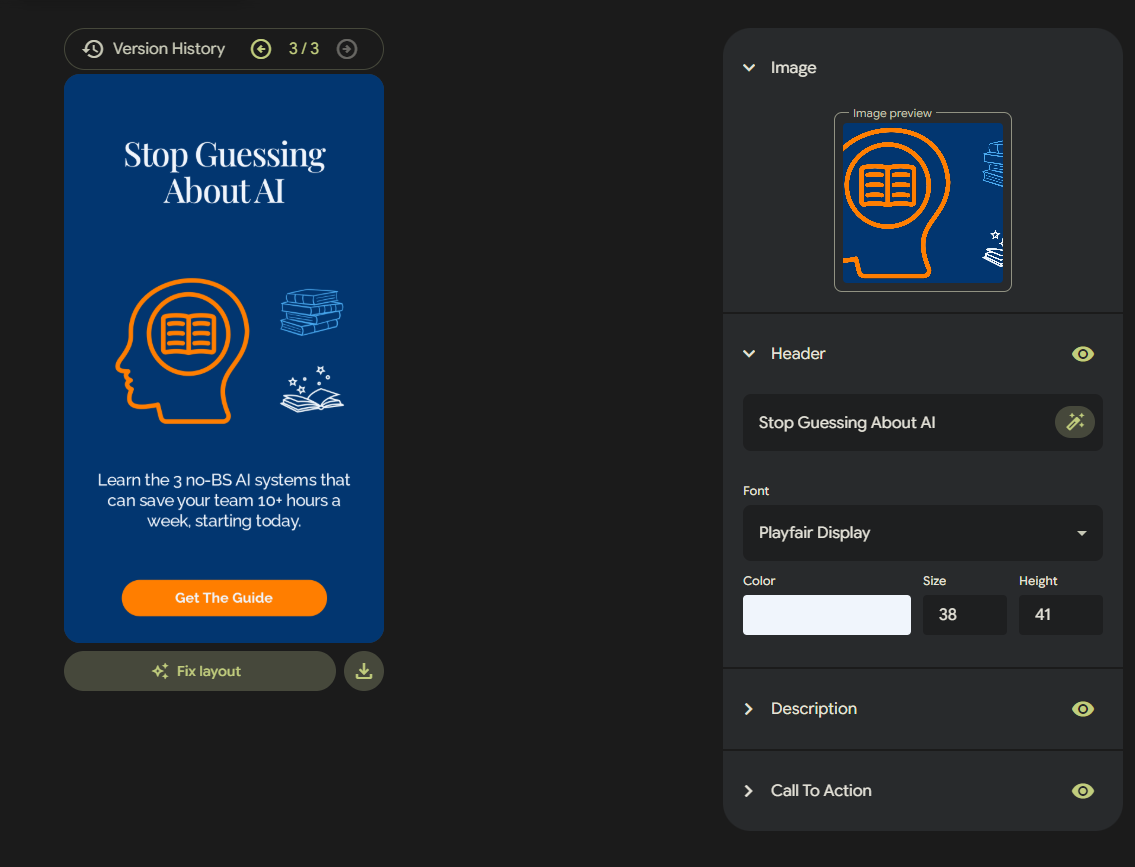
You can change -
- The header/title
- Font color/size
- Image
- Description
- CTA
- Aspect ratio
- Etc.
It doesn’t have as many customization options as something like Canva but that might be a positive if you don’t have a dedicated design team and find tools like Canva overwhelming. Pomelli can also be good at creating ideas and rough draft quickly if you do have a design team that can further refine things.
It’s free (for now), it’s fast, and it’s very straightforward.

You Probably Won’t Click This.
Most people don’t. Then they ask us later how we did that cool AI thing we showed in the video.
Comments